Amazon Ads for Small Businesses: The Complete Guide

In this article
- What are Amazon ads and how do they work?
- The three sponsored ad types small businesses should know
- Are Amazon ads worth it for a small business?
- How much do Amazon ads cost?
- How to set up your first Amazon Sponsored Products campaign
- The campaign structure that works for most small sellers
- How to optimize Amazon ads every week
- Sponsored Brands and Sponsored Display: when to add them
- What changed in Amazon Ads in 2026
- Amazon ads by product type: what changes
- A 30 day launch plan for your first Amazon campaigns
- Get a second pair of eyes on your Amazon ads
It is 11pm and you are refreshing Seller Central again. Your product is live, the photos are good, a few friends left honest reviews, and yet the sales graph is flat. You search for your own product on Amazon and scroll. Page two. Page three. Meanwhile a competitor with a worse listing sits at the top with a little "Sponsored" label next to it. You start to wonder whether Amazon only works for brands with big budgets and an agency on retainer.
It does not. Amazon ads for small business sellers can be the fastest way to get a new product seen, earn its first sales and build the ranking that brings in organic orders later. Amazon is the rare ad platform where the person seeing your ad is already holding a credit card and searching for a product like yours. But Amazon also rewards discipline. Without a clear break-even number, a sensible campaign structure and a weekly habit of cutting waste, it is easy to spend hundreds of dollars on clicks from shoppers who were never going to buy.
This guide walks through the whole process in order, from the view of a performance marketer who builds and audits ad accounts for US and Canadian brands. It reflects how the Amazon Ads console works in late 2026, including the recent AI features. If you also drive traffic from social or search, our Meta Ads for small businesses guide and Google Ads for small businesses guide cover those channels.
What are Amazon ads and how do they work?
Amazon ads are paid placements that show your products to shoppers on Amazon and, for some formats, on other sites and apps. The ones small businesses use most are called sponsored ads. They run on a cost per click auction: you choose the keywords or products you want to appear for, you set the most you are willing to pay for a click, and Amazon decides which ads to show based on bid and relevance. You only pay when someone clicks.
Three things make Amazon different from Meta or Google:
- Intent is extremely high. People search Amazon to buy, not to browse ideas or read articles.
- Your listing is your landing page. You cannot send the click to your own website. The product detail page, its price, reviews and photos decide whether the click turns into a sale.
- Ad sales can lift organic rank. Sales generated through ads count as sales for your product, and sales velocity is one of the things that helps a product rank organically. This is why many sellers accept a higher ad cost during a launch.
The three sponsored ad types small businesses should know
Amazon offers more formats than this, including display, video, audio and Streaming TV through its larger platform. For a small seller, three sponsored ad types do most of the work. Start with the first one and add the others once it is profitable.
| Ad type | Where it shows | Who can use it | Best for |
|---|---|---|---|
| Sponsored Products | Search results and product detail pages, looks like a normal listing | Professional sellers and vendors with eligible listings | Your first campaigns, direct sales, launching new products |
| Sponsored Brands | Top and middle of search results with your logo, headline or video and several products | Sellers enrolled in Amazon Brand Registry, and vendors | Brand searches, showing a range, defending your brand name |
| Sponsored Display | Product detail pages, Amazon pages and some sites and apps beyond Amazon | Generally brand registered sellers and vendors | Retargeting product page viewers and targeting competitor pages |
According to the Amazon Ads FAQ, Sponsored Products requires an active professional seller account, the ability to ship to all addresses in the marketplace, new product listings in available categories and listings that are eligible for the Featured Offer (the box with the Add to Cart button). Sponsored Brands adds one more requirement for sellers: registration in Amazon Brand Registry.
If you have not enrolled in Brand Registry yet, put it on your list. Besides unlocking Sponsored Brands and a free Brand Store, it gives you A+ content on your detail pages, which usually improves how many visitors buy.
Are Amazon ads worth it for a small business?
Amazon ads are worth it when your product can win the sale once a shopper lands on it and your margin leaves room to pay for that shopper. They are rarely worth it when the listing is weak or the margin is thin, because ads amplify whatever is already true about your product page.
Before spending a dollar, check these five things:
- You own the Featured Offer. If another seller usually wins the Buy Box on your listing, your ads will not serve reliably, and when they do you may be paying to send shoppers to someone else's offer.
- The listing is complete. A clear main image on white, six or more supporting images, a title that says what the product is, bullets that answer the obvious questions and, if you are brand registered, A+ content.
- You have some reviews. A product with zero reviews next to competitors with hundreds struggles to convert. Most sellers get a small base of reviews through Amazon's own programs before scaling ads.
- Your price is competitive for what shoppers see in the same search results.
- You have enough stock. Running out of inventory stops your ads and can undo the ranking you paid for.
How much do Amazon ads cost?
There is no minimum spend for sponsored ads. The Amazon Ads FAQ states that the minimum daily budget for Sponsored Products and Sponsored Brands is $1.00. You pay per click, and what a click costs depends on how many advertisers want the same keyword. In crowded categories like supplements, skincare and phone accessories, clicks cost much more than in a niche category with few sellers.
The minimum is not a realistic budget. A useful way to plan is to work backward from clicks. If your category's suggested bids are around $1.00 and your listing converts 10% of clicks into orders, ten clicks cost about $10 and bring about one order. A campaign that needs to collect 100 to 200 clicks before you can judge its keywords therefore needs $100 to $200 on that one product. For most small sellers, a first test of $15 to $40 a day per product family, run for at least two to three weeks, is enough to learn something real. Amazon's own launch advice is to run an always on approach for 2 to 3 weeks before making big judgments.
One warning: Amazon does not spread your budget across the day. The FAQ notes that a small daily budget can be spent in a few minutes. If your campaigns run out of budget every morning, you are missing the evening shoppers.
Find your break-even ACoS before you launch
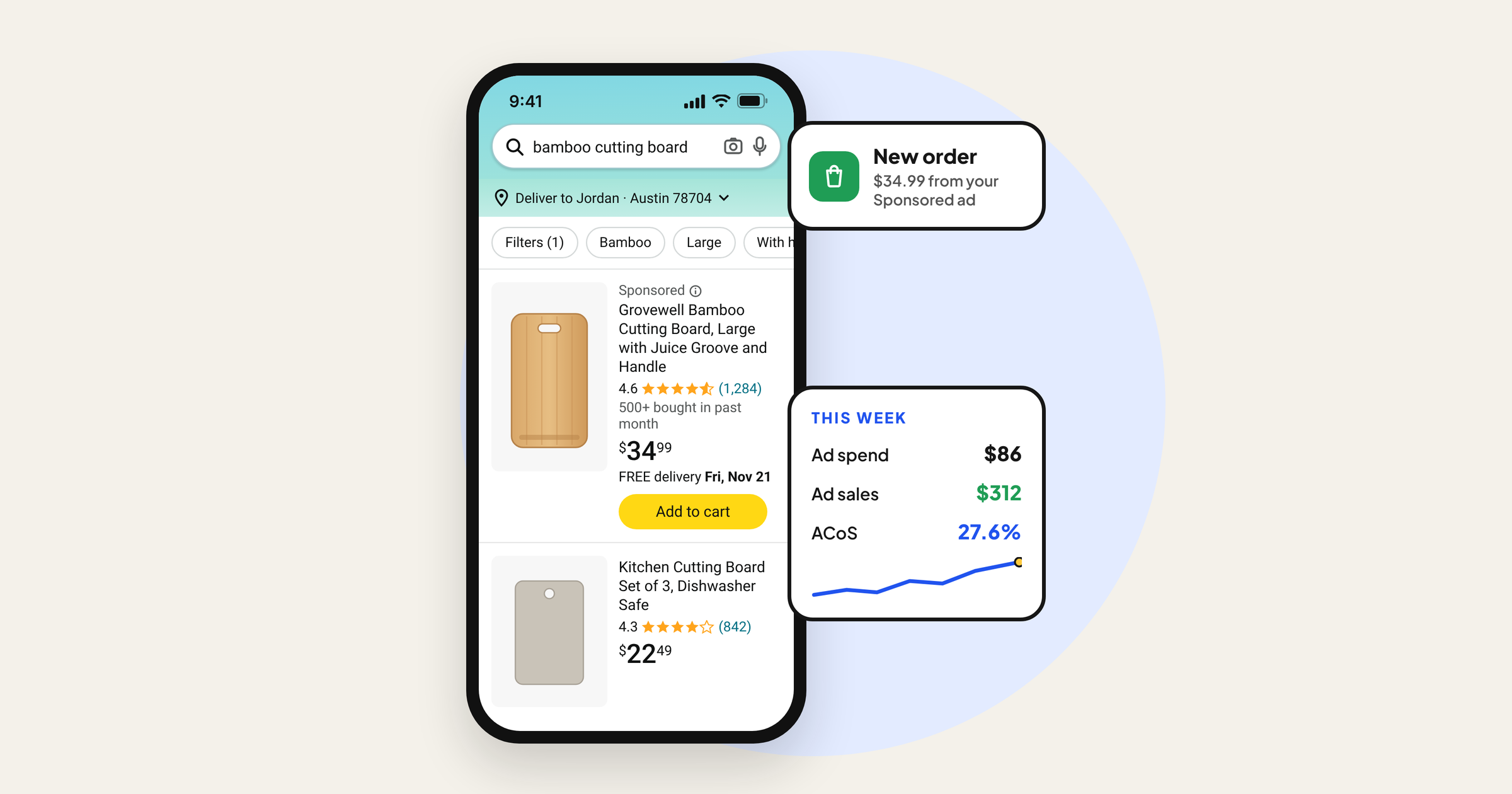
The most important number in Amazon advertising is ACoS, advertising cost of sales: ad spend divided by ad sales. If you spend $30 and the ads bring $100 in sales, your ACoS is 30%.
Your break-even ACoS is your profit margin before advertising. Take the selling price, subtract product cost, Amazon referral fee, FBA or shipping fees and any other costs per unit, then divide what is left by the selling price.
| Line | Example |
|---|---|
| Selling price | $30.00 |
| Product cost landed | $7.50 |
| Amazon referral fee (example 15%) | $4.50 |
| FBA fulfillment fee (example) | $5.50 |
| Other costs (packaging, inserts, returns allowance) | $1.50 |
| Profit before ads | $11.00 |
| Break-even ACoS | 11 / 30 = about 37% |
These numbers are only an example; use your own fees from Seller Central. With a 37% break-even, any keyword running above 37% ACoS loses money on that sale, below it earns money. During a launch you may choose to run above break-even for a few weeks to build rank. That is a decision, not an accident, so write down how long you will allow it.
Also watch TACoS, total advertising cost of sales: ad spend divided by all sales, ads plus organic. If TACoS falls over time while sales grow, ads are building organic momentum. If TACoS keeps rising, you are becoming dependent on paid traffic.
How to set up your first Amazon Sponsored Products campaign
You create campaigns in the Amazon Ads console, which you can reach from Seller Central under Advertising, Campaign Manager. Amazon has been adding AI features to this console through 2026, so some screens may suggest settings for you. Read every suggestion before accepting it.
Step 1: Choose your products
Group products that share the same buyer and the same search terms, for example all sizes of one cutting board, not your cutting board and your apron. Mixing unrelated products makes the data impossible to read.
Step 2: Start with an automatic campaign
In an automatic campaign Amazon chooses the searches and products to show your ad on, based on your listing text. It is your research tool. Amazon groups automatic targeting into four types: close match (searches closely related to your product), loose match (loosely related searches), substitutes (shoppers viewing similar products) and complements (shoppers viewing products that go with yours). You can bid on each group separately. A common starting point is a higher bid on close match and lower bids on loose match and complements.
Step 3: Add a manual keyword campaign
In a manual campaign you choose the keywords. Sponsored Products supports three match types:
- Exact: your ad shows for that search term and very close variants. Most control, usually the best ACoS.
- Phrase: the search contains your phrase in order, possibly with other words around it.
- Broad: the search contains your words in any order, plus related terms. Most reach, least control.
Start with 10 to 30 keywords you are confident a buyer would type, taken from your own listing, the search box suggestions and competitor titles. Put your best five to ten in exact match with a higher bid, and the rest in phrase.
Step 4: Choose a bidding strategy
Amazon offers three bidding strategies for Sponsored Products:
| Strategy | What Amazon does | When to use it |
|---|---|---|
| Dynamic bids, down only | Lowers your bid when a click looks less likely to convert | The safest default for new campaigns and tight budgets |
| Dynamic bids, up and down | Raises or lowers your bid based on how likely a click is to convert | Proven keywords with good conversion where you want top of search |
| Fixed bids | Uses your exact bid with no adjustments | When you want full control and are testing placements |
Be careful with up and down. Amazon's dynamic bidding guide says it can increase or decrease bids by up to 100% for all placements, so a $1.00 bid can become $2.00, and tells advertisers to prepare to spend up to double the bid they enter. You can also add placement adjustments that raise bids for top of search or product pages. Leave those at zero until you have data that a placement converts better.
Step 5: Set bids and budget
Use the suggested bid range as a guide, not an order. For a new product, a bid near the low end of the range on most keywords and near the middle on your best exact keywords is a sensible start. Then calculate your maximum affordable bid: break-even ACoS multiplied by your price multiplied by your conversion rate. With a 37% break-even, a $30 price and a 10% conversion rate, the most you can pay per click and still break even is about $1.11.
Step 6: Add negatives from day one
Add negative keywords for terms you know will never buy: wrong materials, wrong sizes, "free", "used", competing brand names you do not want to pay for, and anything your product clearly is not.
Step 7: Name campaigns so you can read them later
A simple pattern such as "SP | Bamboo Board | Auto" or "SP | Bamboo Board | Exact | Core" saves hours once you have ten campaigns.
The campaign structure that works for most small sellers
Most small accounts do not need dozens of campaigns. They need a structure that turns discovery into control.
- Auto campaign (discovery): finds search terms and products you did not think of.
- Manual phrase or broad campaign (expansion): catches variations of keywords you know work.
- Manual exact campaign (performance): holds proven search terms with bids you set carefully.
- Product targeting campaign (optional): shows your ad on specific competitor detail pages where your product is better value or better rated.
- Brand defense (after Brand Registry): a small Sponsored Products or Sponsored Brands campaign on your own brand name so competitors do not take those shoppers.
The weekly routine is called search term harvesting. Every week, open the search term report. When a search term from the auto or broad campaign has produced two or more orders at a good ACoS, add it as an exact keyword in your exact campaign, and add it as a negative exact in the campaign where you found it. Your best terms then live where you control the bid.
How to optimize Amazon ads every week
Optimization is not glamorous. It is the same short checklist, done consistently. Amazon itself suggests reviewing bids about once every two weeks; for a small account, a 30 minute weekly review works well.
| What to check | Where | What to do |
|---|---|---|
| Search terms with clicks but no orders | Search term report, last 14 to 30 days | Once a term has spent about your product price with no order, add it as a negative or lower the bid |
| Search terms with orders at good ACoS | Search term report | Move them into exact match campaigns |
| Keywords above break-even ACoS | Targeting tab | Lower bids by 10% to 20%, not all at once |
| Keywords well below break-even with few impressions | Targeting tab | Raise bids by 10% to 15% to win more traffic |
| Campaigns out of budget early in the day | Campaigns tab, budget column | Raise budget on profitable campaigns, or lower bids |
| Placements | Placement report | If top of search converts much better, test a small placement increase |
| Listing conversion rate | Business Reports, unit session percentage | If ads get clicks but conversion is low, fix the listing before spending more |
Change one thing at a time and give it a week. If you raise bids, add negatives and change the main image on the same day, you will not know what worked.
Common mistakes we see in real accounts
- Running only an auto campaign for months. Auto is for research. Left alone, it keeps paying for loose, irrelevant traffic.
- No negative keywords. In audits this is the single most common leak: dozens of irrelevant search terms each spending a few dollars, adding up to a large share of the budget.
- Judging too early. Turning off a keyword after five clicks with no sale. At a 10% conversion rate, that is normal bad luck.
- Using up and down bidding on everything. It can double your cost per click on weak keywords.
- Ignoring the listing. A 4% conversion rate cannot be fixed with bids.
- Chasing ACoS alone. A very low ACoS often means you are only showing for your brand name and missing new customers. Look at TACoS and total sales too.
Sponsored Brands and Sponsored Display: when to add them
Add Sponsored Brands once you are brand registered and have at least three related products, or one strong product and a Brand Store. A Sponsored Brands video ad, a short silent friendly clip that shows the product in use within the first few seconds, often stands out in search results more than a static ad. Use it on your best converting keywords and on your brand name.
Add Sponsored Display when you have steady traffic to your detail pages. Its most useful job for small brands is retargeting: showing your product again to shoppers who viewed it but did not buy. It can also target specific competitor or complementary product pages. Keep audiences narrow and budgets small at first, because display clicks often convert at lower rates than search.
What changed in Amazon Ads in 2026
Amazon has been moving its ads tools toward AI assistance. As of November 2026, these changes are the ones most likely to show up in a small seller's account. Some are still rolling out, so check what is available in your own console.
- Campaign recommendations on the overview page. Amazon's September 2026 update on tools for small businesses describes an AI campaign intelligence dashboard that flags suggested targeting, bid and budget actions, announced for US sponsored ads advertisers from October 2026.
- Auto-optimization. The same update describes an option that adds and pauses keywords and expands product targeting inside your existing settings, announced for US advertisers in January 2027. If you turn it on, set your maximum bids and budget limits first, and keep reviewing search terms.
- Sponsored Prompts. Amazon now shows AI written prompts connected to Sponsored Products and Sponsored Brands inside its AI shopping assistant. Review how they perform in your reports like any other placement.
- Ads data manager. A way to bring your own first party data, such as past customers, into sponsored ads targeting.
- One console for sponsored and display, video and audio ads. Amazon has been combining its sponsored ads and programmatic tools into one platform. For most small sellers this changes the look of the console more than the daily work.
Treat automation as an assistant. It is good at finding new search terms and adjusting bids fast. It does not know your margins, your stock levels or which customers return the product. Your break-even ACoS and your weekly review are still your guardrails.
Amazon ads by product type: what changes
The basics stay the same across categories, but a few product types need extra care.
Supplements, wellness and skincare
These are some of the most competitive categories on Amazon, so expect higher costs per click. They are also restricted categories with extra rules. Your listing and ad copy must not make disease or treatment claims, and Amazon's policies limit what you can say about health benefits. Write about ingredients, format, taste, routine and who the product is designed for, keep claims to what you can document, and check Amazon's restricted products and ad policies before launch. This guide covers marketing only, not health advice.
Fashion and apparel
Size and fit drive returns. Use search terms with clear intent (for example a specific fit, fabric or occasion), add negative keywords for sizes or styles you do not stock, and make sure the size chart is in your images. Variations matter: advertise the child variations that convert, not every colour.
Home, kitchen and gifting
Seasonality is strong. Increase budgets two to four weeks before peak periods like Prime Day, Black Friday and the holidays, since search volume and competition both rise, and lower them again afterward. Gift related search terms can be excellent in November and December and poor in March.
Products with long consideration
For higher priced products, shoppers often view several times before buying. Sponsored Display retargeting and Sponsored Brands on your brand name help bring them back.
A 30 day launch plan for your first Amazon campaigns
- Days 1 to 3: confirm Featured Offer, finish the listing, calculate break-even ACoS and maximum bid, write your negative keyword list.
- Days 4 to 7: launch one auto campaign and one manual campaign (exact plus phrase) with down only bidding and a budget that does not run out before evening.
- Days 8 to 14: first search term review. Add obvious negatives, do not cut keywords that have fewer clicks than your conversion math needs.
- Days 15 to 21: move converting search terms into exact match. Lower bids on keywords far above break-even. Check listing conversion rate in Business Reports.
- Days 22 to 30: raise budget on campaigns below break-even that run out early. If brand registered, test a small Sponsored Brands campaign on your brand name and best keyword. Write down what you learned and set next month's targets for ACoS and TACoS.
Get a second pair of eyes on your Amazon ads
Amazon ads are not a slot machine. They work when the product page converts, the numbers are known before the first click, and someone checks the search term report every single week. Most of the wasted spend we find in small accounts comes from the same handful of issues: no negatives, auto campaigns left running alone and bids that ignore margin.
At Digilabss we start by understanding your brand, your margins and why your customer buys before we touch a bid. If you want us to look at your Amazon account and show you where the money is leaking, see our Amazon Ads service or book a free audit.
Frequently asked questions
How much should a small business spend on Amazon ads?
Amazon's minimum daily budget for Sponsored Products is $1, but that rarely buys enough clicks to learn anything. Most small sellers should plan roughly $15 to $40 a day per product family for at least two to three weeks, then adjust based on ACoS against their break-even number.
What is a good ACoS on Amazon?
A good ACoS is one below your break-even ACoS, which is your profit margin before ad costs. If you keep 37% of the selling price after product cost and Amazon fees, a 25% ACoS is profitable and a 45% ACoS loses money. During a launch you may accept a higher ACoS for a set period to build ranking.
Do I need Brand Registry to advertise on Amazon?
No. Sponsored Products only needs a professional seller account and eligible listings that can win the Featured Offer. Brand Registry is required for sellers who want Sponsored Brands and a Brand Store, and it also unlocks A+ content, so it is worth doing early if you own your brand.
Should I use automatic or manual campaigns on Amazon?
Use both. An automatic campaign finds search terms and products you would not think of. A manual campaign lets you set bids on proven keywords. Each week, move search terms that convert from automatic into manual exact match and add them as negatives in the automatic campaign.
How long does it take for Amazon ads to work?
Give new campaigns at least two to three weeks before making big decisions, which matches Amazon's own launch advice. You need enough clicks per keyword to judge it. At a 10% conversion rate, a keyword with ten clicks and no sale has not failed yet.
Do Amazon ads help organic ranking?
They can. Sales that come from ads still count as sales for your product, and sales velocity is one of the signals that helps products rank organically. Watch TACoS, ad spend divided by total sales: if it falls while total sales grow, your ads are building organic momentum.